Custom evidence and 50+ new integrations
50+ new integrations
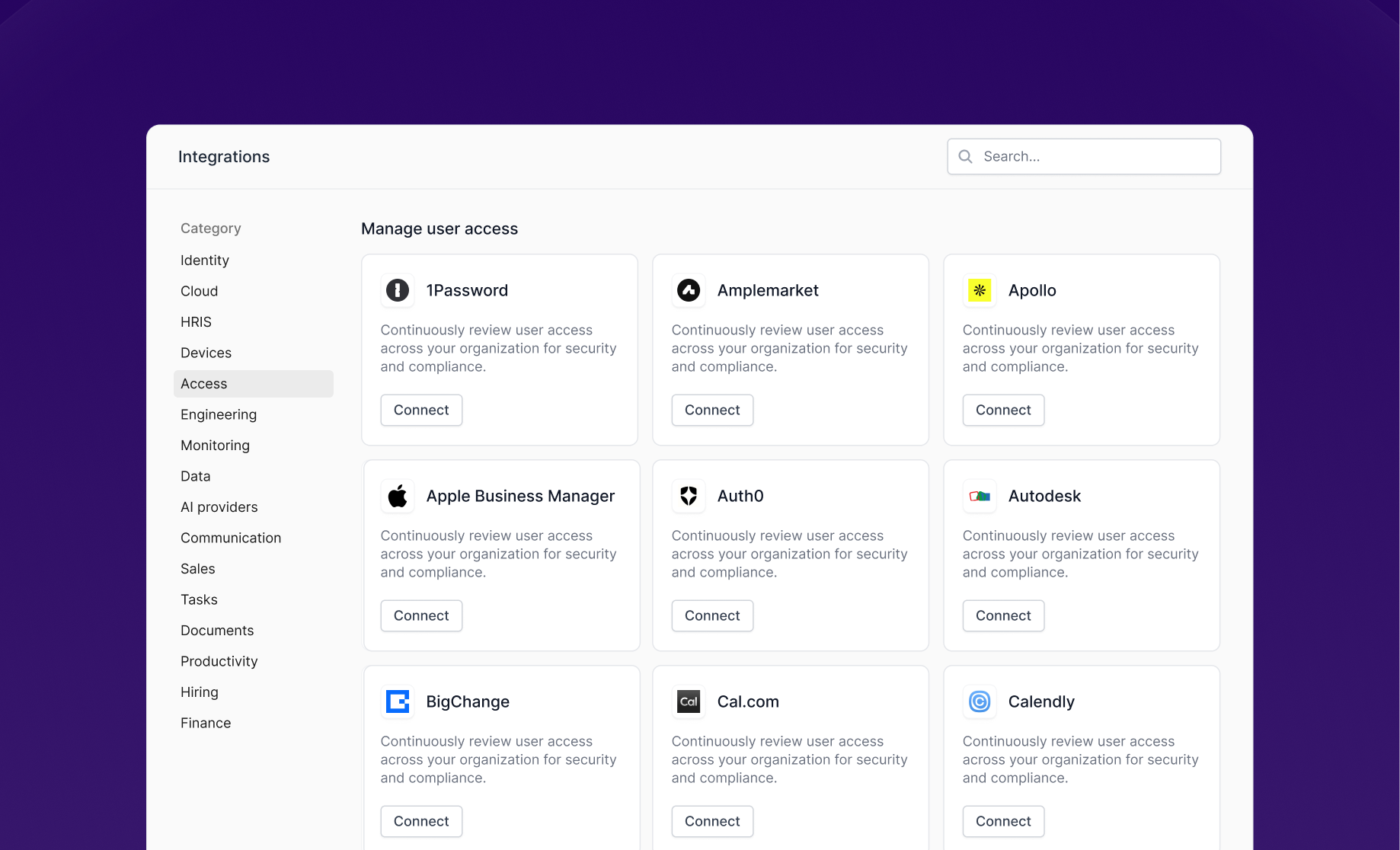
We’ve launched 50+ new integrations across engineering, communication, data, documents, monitoring, CRM, identity and security, and productivity. More are coming soon...
Engineering & infrastructure: Anthropic, Bitbucket, Cloudflare, GitBook, GitHub, GitLab, Harness, Netlify, OpenAI, Render, Terraform
Communication: Aircall, Discord, Fireflies.ai, Gong, SendGrid, Slack, Twilio, Webex, WhatsApp Business, Zoom
Data warehouses & databases: Airtable, Databricks, Fivetran, Qlik, Snowflake, Tableau
Document management: Box, Confluence, DocuSign, Dropbox, Dropbox Sign, Notion
Monitoring & observability: Elastic Cloud, Mixpanel, PagerDuty, PostHog, Sentry
CRM platforms: Affinity, Apollo, Attio, Capsule CRM, HubSpot, Lemlist, Pipedrive, Salesloft
Identity & security: 1Password, Auth0, JumpCloud, LastPass
Productivity & collaboration: Basecamp, Cal.com, Calendly, Figma, Smartsheet
Add your own evidence
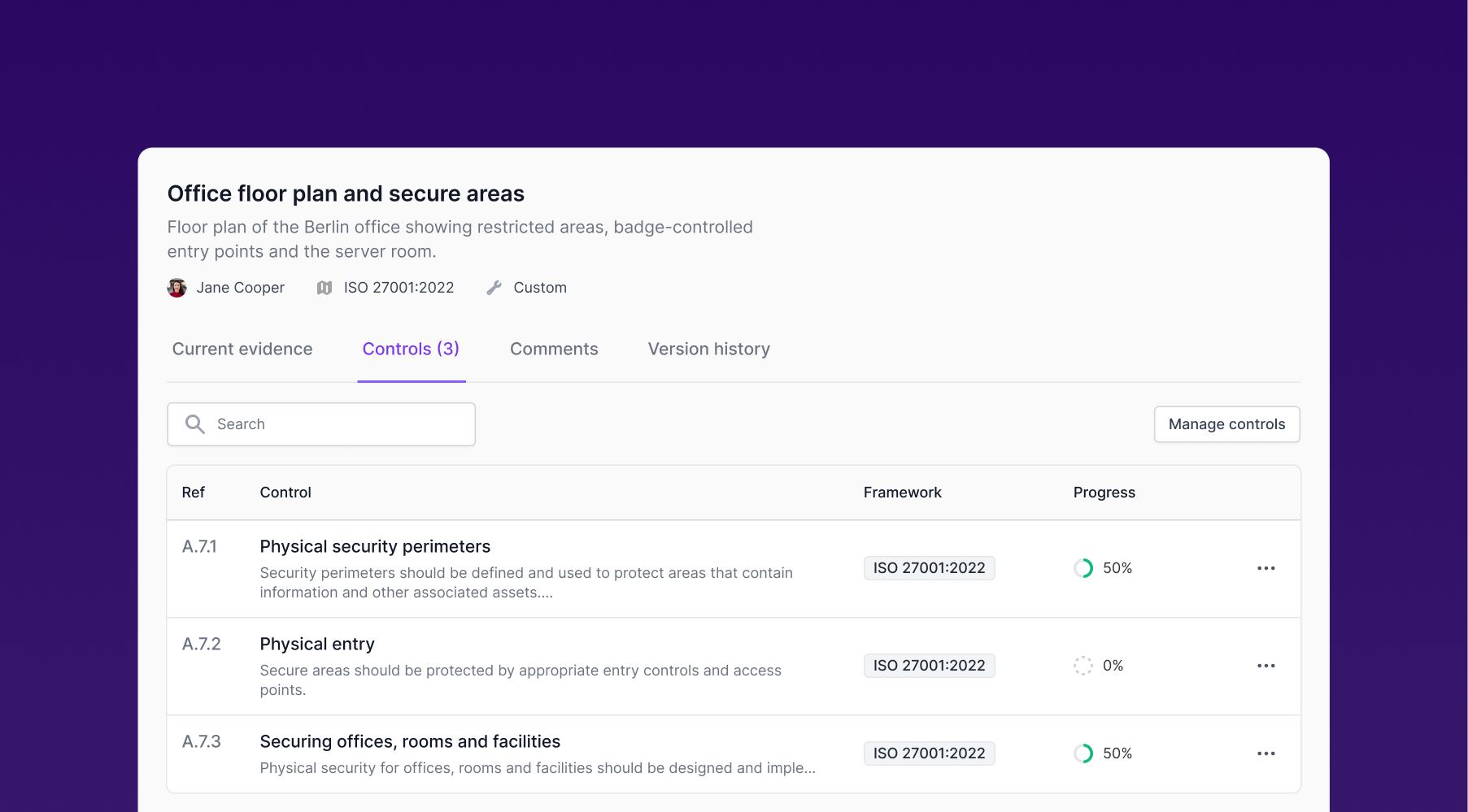
You can now create your own evidence records for any compliance document, like a floor plan, SSL checker results, or a screenshot of your Git approval process. Upload your files, link the record to the controls it supports, and keep all your compliance documents in one place.