15. April 2026

IdP scoping lets you control which employees are synced into Secfix from your identity provider. This is useful when you do not want all users from your identity provider to appear in your Secfix workspace. For example, you may only want to include employees who are part of a specific product, business unit, or audit scope.
Note: Currently available for Microsoft 365 only, Google Workspace support is coming soon.

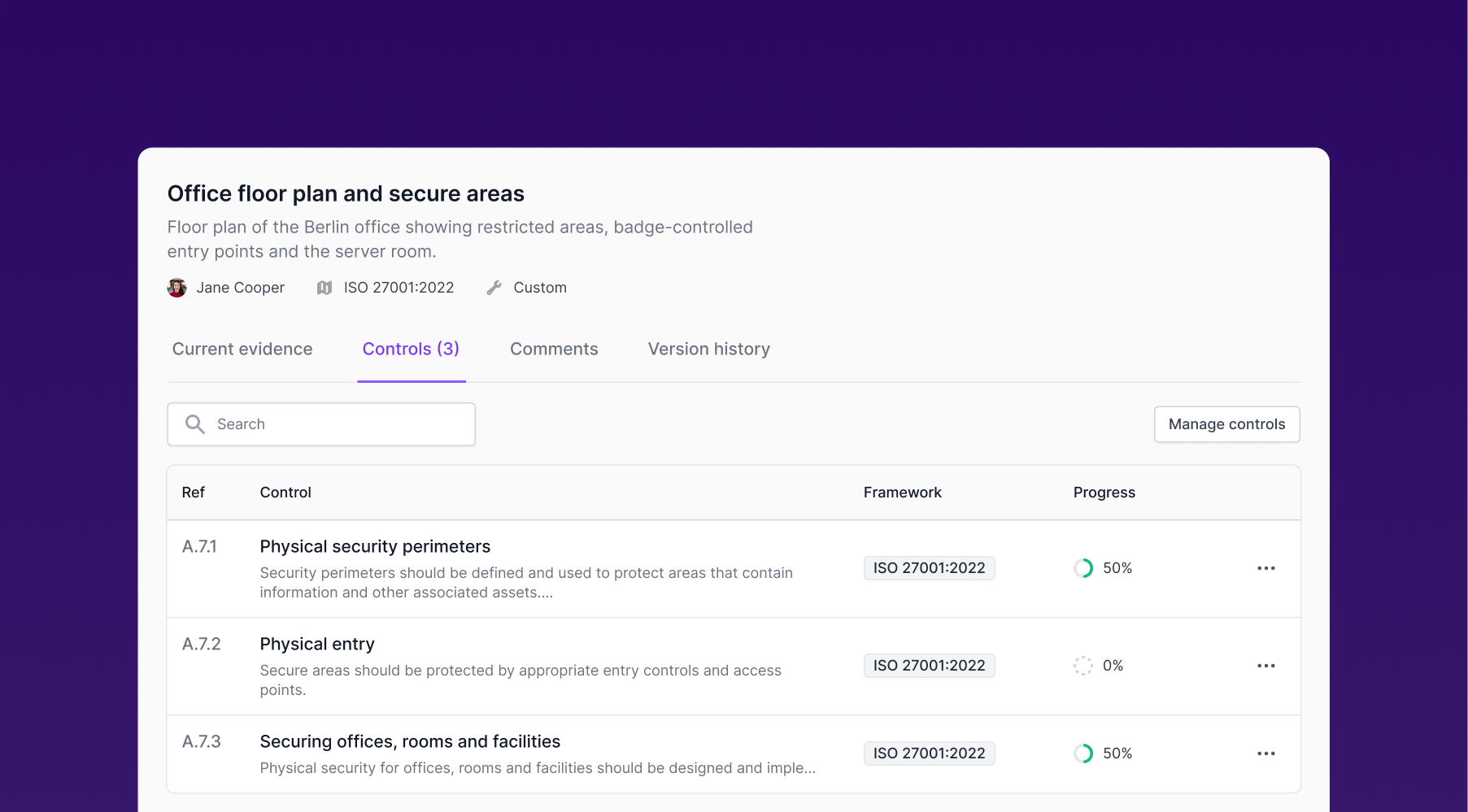
We said goodbye to the old look. Manual evidence now comes in a table view, and clicking on any item opens a side panel with all the details.
Finding what you need just got faster. We've added new filters across three key areas:
Risk register: Filter by owner, status, and risk rating. Quickly find scenarios assigned to you or needing attention.
Treatment tasks: Filter by status and owner.
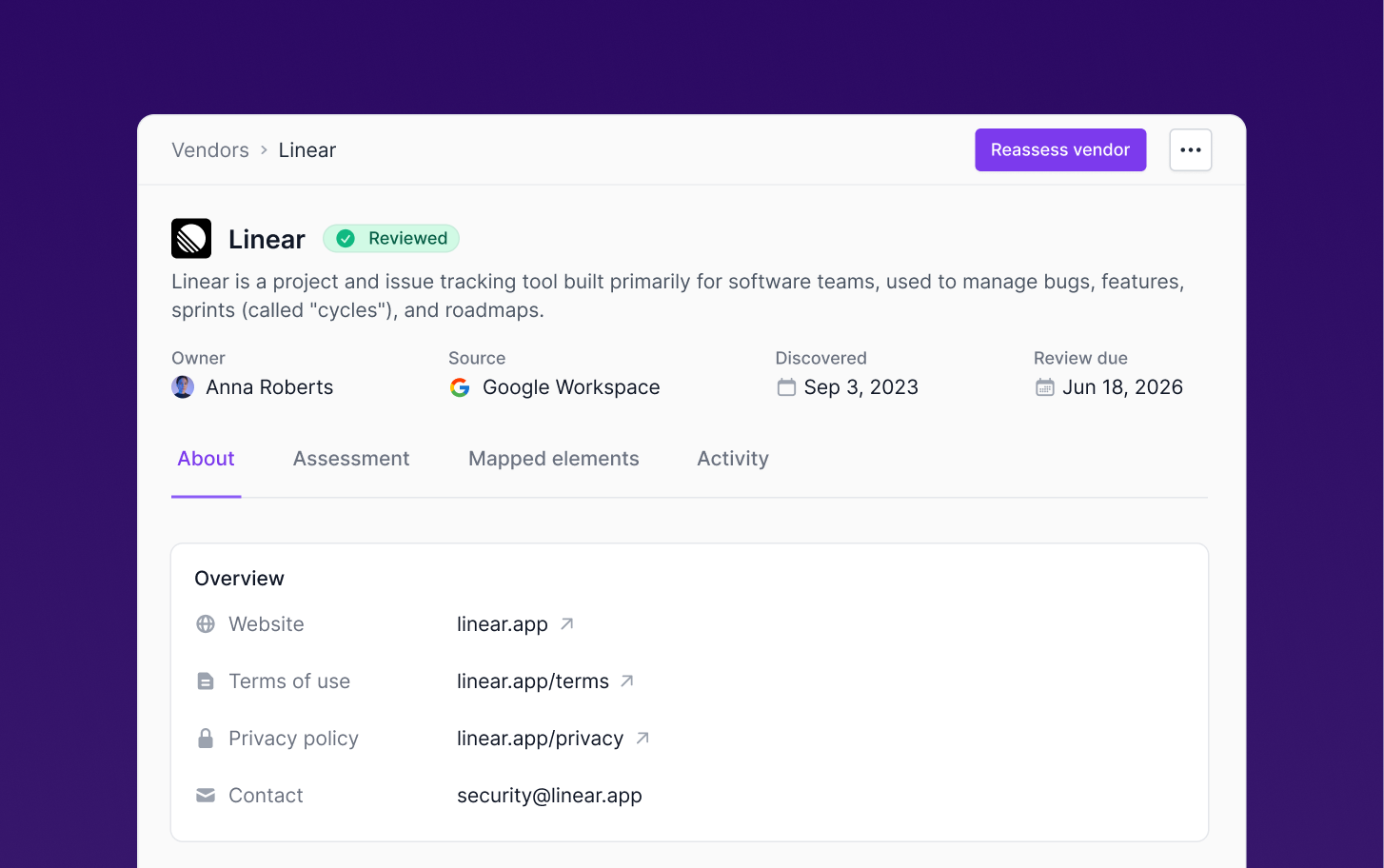
Vendors: Filter by owner, status, and risk level. You can also search directly by data type (like PII or ePHI) to instantly find vendors storing sensitive data.
10. März 2026
Your Secfix URL now includes your workspace name (e.g. https://app.secfix.com/paperoffice/home). Users can now belong to multiple workspaces, and admins can connect a single IdP account to more than one Secfix workspace.

You can now filter tasks by owner in the Project Status Report, making it easier to track progress and identify unassigned tasks.

25. Februar 2026

ISO 27001:2022 Maintenance Project Status Report
We’ve added a new maintenance project status report to help you stay audit-ready after certification. This roadmap guides you through key recurring ISO 27001:2022 recurring tasks, so you always know what needs attention to maintain ongoing compliance.
Also you can now assign an owner to each task, making it easier to divide the work and keep things moving.

Trust Collaborator role
You can now assign a Trust Collaborator role to team members who are responsible for managing Trust Center access requests. This makes it easier to delegate Trust Center operations without granting broader admin permissions.
13. Februar 2026
New
When uploading a new version of a policy, Secfix AI now automatically detects and summarizes the key changes between versions. This makes it much easier during audits to show what has changed, without manually comparing documents or scanning through files.

You can now search within your uploaded policy file preview, helping you quickly locate relevant sections during reviews and audits.

You can now view your TISAX Project Status Reports directly in Secfix, giving you a clear overview of progress and remaining tasks in one place.

9. Februar 2026
New

We've redesigned the policies experience to make policy management more collaborative and efficient.
What's New Each policy now has its own dedicated details page, replacing the previous list-only view.
Draft workflow Create and review policy drafts with your team without affecting the current approved version.
Team collaboration The new policy pages support team collaboration through comments and mentions. You can also track all changes through a comprehensive activity log that shows what happened and when.
Control mapping See which controls are mapped to each policy.
Acceptance tracking Quickly identify which employees have or haven't accepted the policy.
20. Januar 2026
New
We’re kicking off the year with updates that help you move faster and reduce repetitive work.